Together, we are developing Sweden’s most important spaces

Digital tools for schools

Learn using digital tools such as apps and books that make the process more efficient and easier.

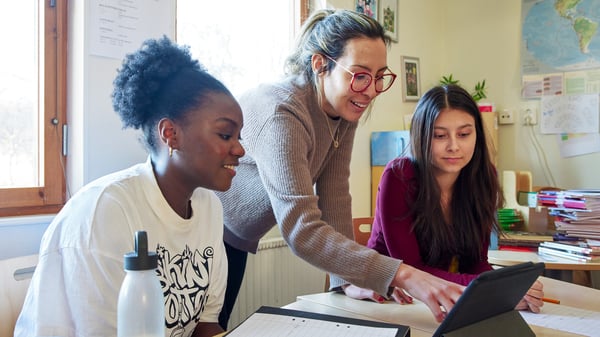
A teacher and a pupil in a modern classroom with a laptop on the table

Apps for pupils, teachers and parents or carers

Advania Skolpartner has developed three different apps designed to support teaching:

Documentation: Nursery School

How do you go about documenting educational activities in your nursery? With the help of the Nursery App, you can document and share your educational activities, whilst making administrative tasks easier.

Leisure Documentation

It keeps track of what’s going on at the after-school club and makes documentation, communication and administration easier for teaching staff and management.

Language & Creativity

Advania Voice is a web application that helps pre-school children and school pupils to learn through music and rhythm. It can also be used to record a podcast or a narrative.

Books for pupils, teachers and parents or carers

We have produced two different books to inspire you on how to use digital tools in your teaching:

The whole nursery school creates

With the help of iPads and creative apps, children are given the opportunity to explore, create and express themselves in language, maths, science and technology. Our e-book is based on the pre-school curriculum and provides inspiration for activities in which children get to be creators rather than consumers.

Digital support in teaching

There are many effective ways of working with children and young people with neuropsychiatric differences. This might involve creating a safe space in the classroom so that everyone can work in peace, or preparing pupils for what is going to happen during the day. Find out more about digital support in the classroom in our e-book and video.

The Future of Education with MacBook

Discover a creative and smart way to work and learn digitally. Magiska Mac isn’t just an ordinary textbook; it’s a free digital tool that helps you explore smart features, create using images, sound and video – and get more done with your Mac.

Contact us

Do you have any questions?